 NoteMe · iPhone & iPad
Quick notes in one press.
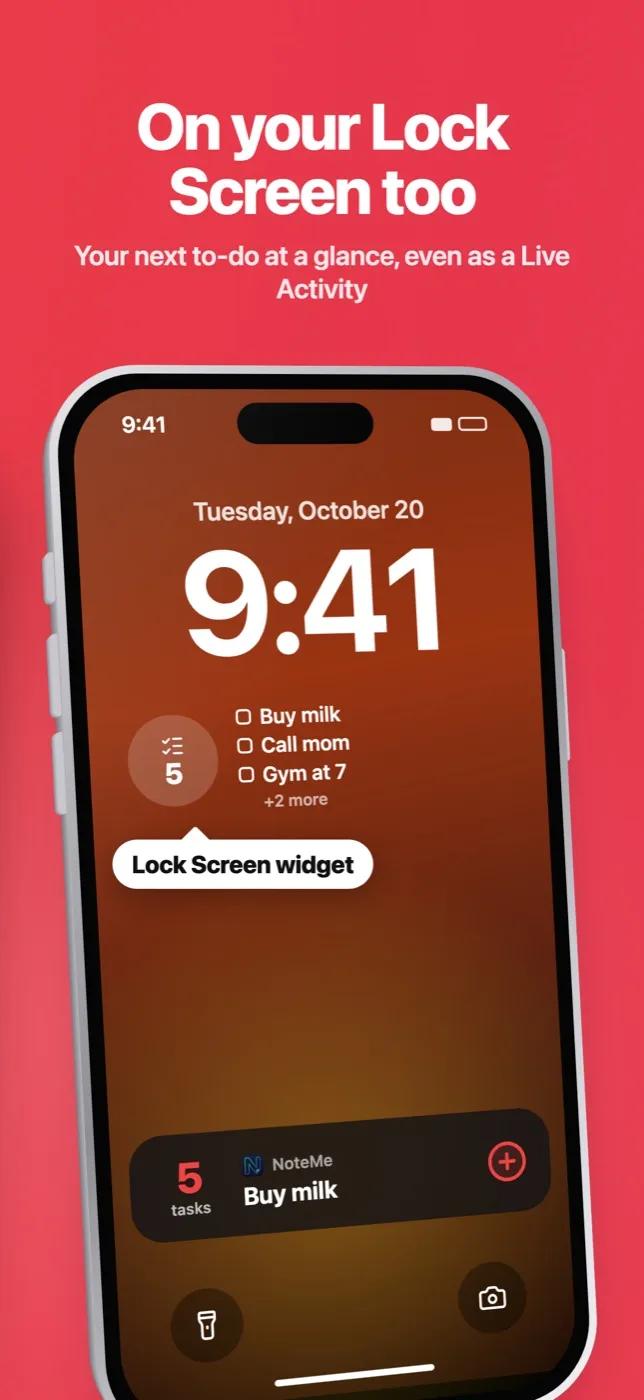
Press the Action Button, type, done. Your list stays on your Home Screen and Lock Screen.
 Free for iPhone and iPad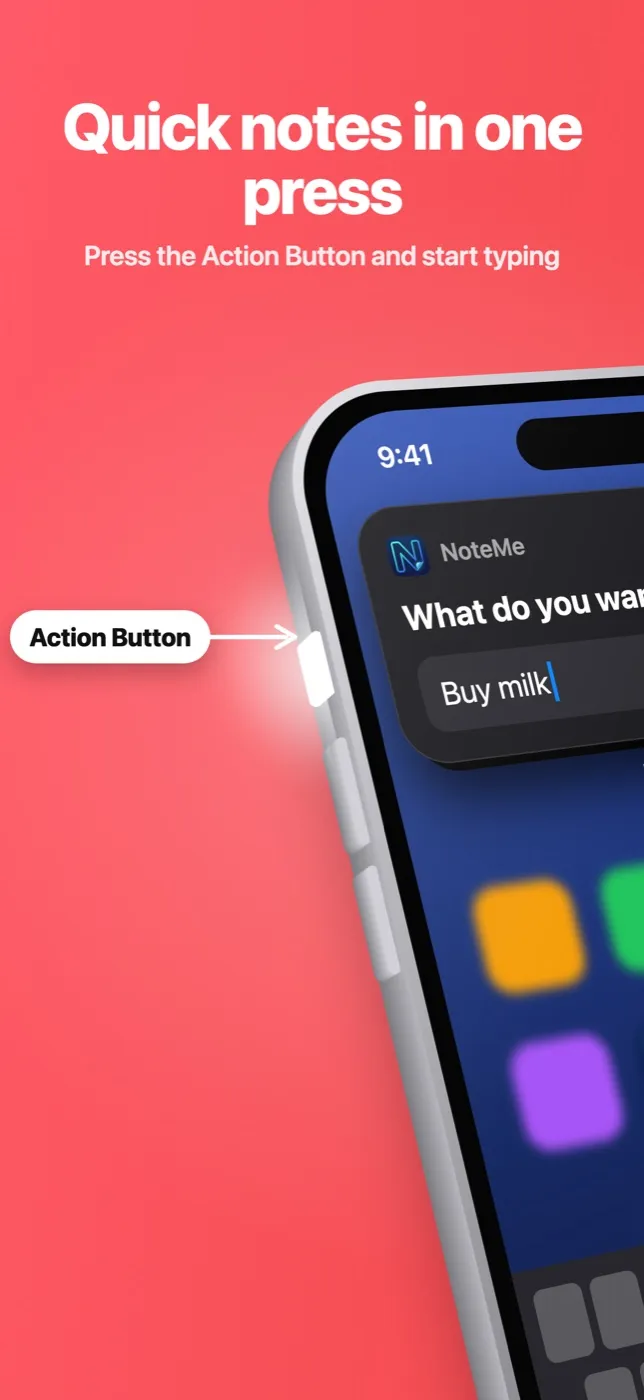
Why NoteMe
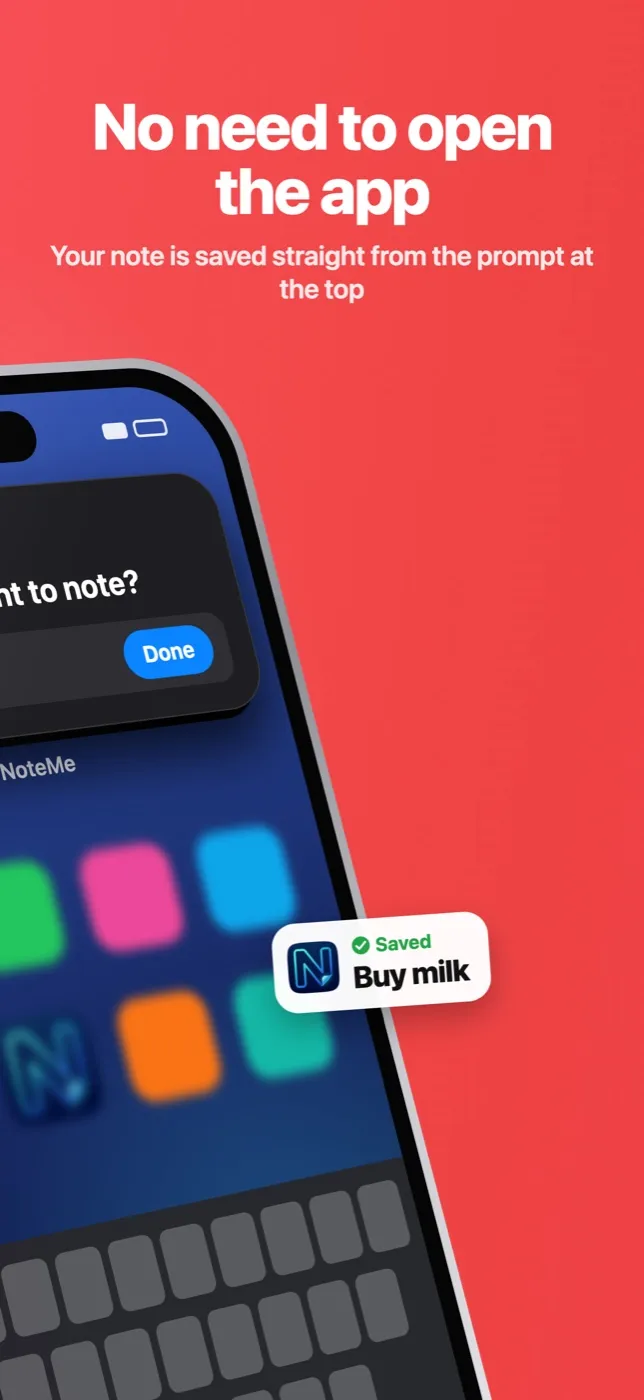
Action Button & Back Tap
A small prompt drops in from the top. Type your note; the app never opens.
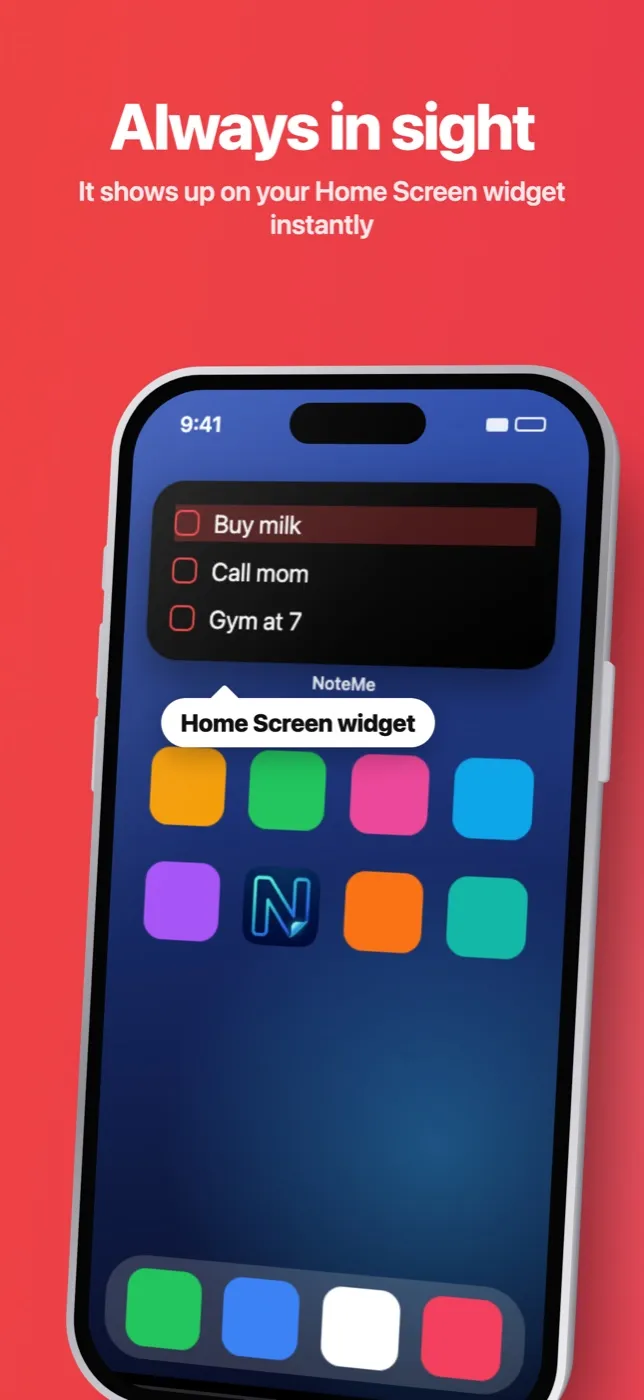
Always in sight
Home Screen and Lock Screen widgets show your list and update instantly.
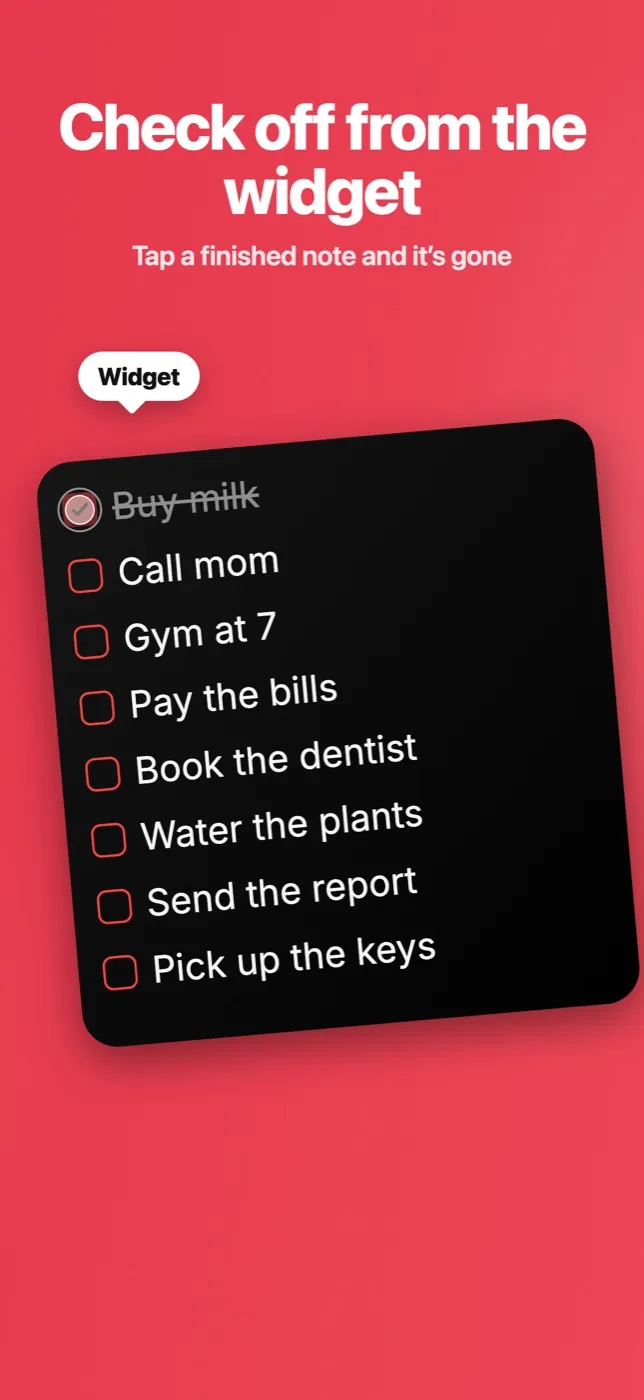
Check off on the widget
Tap the checkbox right on the widget. Done.
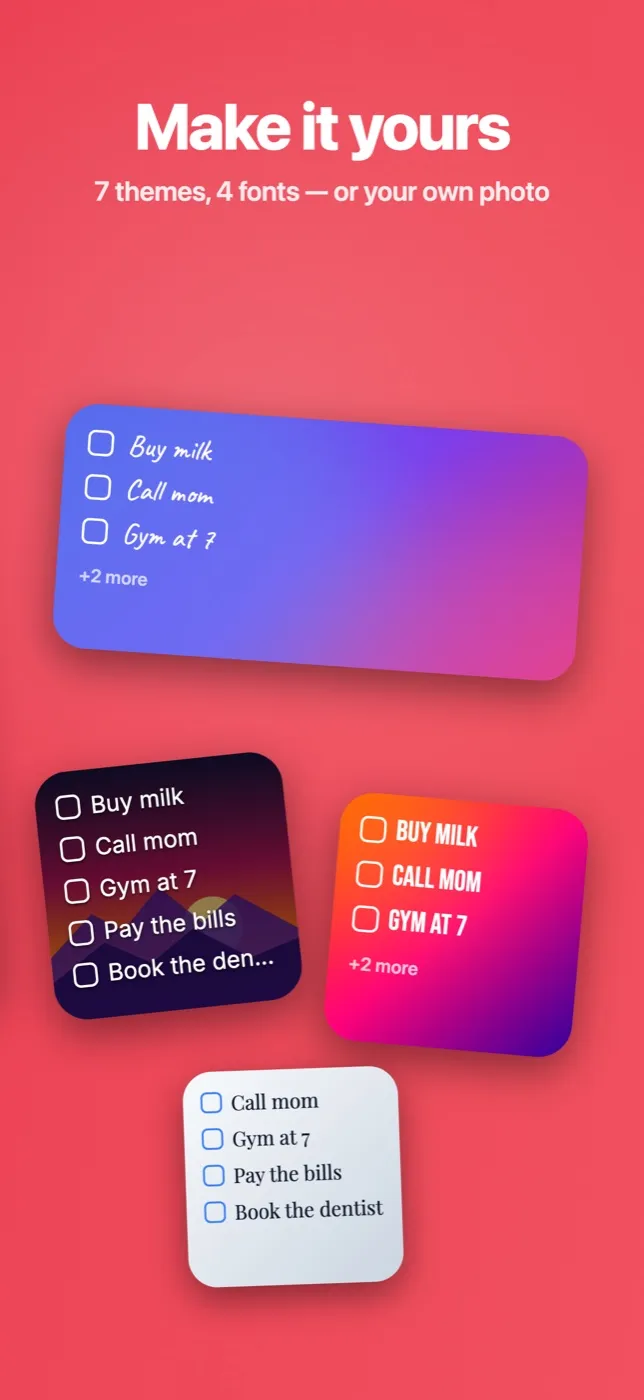
Make it yours
7 themes, 4 fonts, adjustable text size, or your notes on your own photo.
Set up in 3 steps
- 1Download NoteMe.
- 2SettingsAction ButtonShortcutNoteMe“Quick Add”
- 3Add the NoteMe widget to your Home Screen or Lock Screen.
Screenshots
Frequently asked questions
Which iPhones have the Action Button?
iPhone 15 Pro and later. On other iPhones, use Back Tap: Settings → Accessibility → Touch → Back Tap.
Do I need an account?
No. Your notes stay on your iPhone.
Is NoteMe free?
Yes. An optional Premium subscription adds more themes, fonts and photo widgets.
Which languages are supported?
English, Turkish, German, French, Spanish, Italian, Dutch, Portuguese and Russian.
Support
Having trouble? Write to us: bengimehmetoglu@gmail.com
Your next note is one press away.